

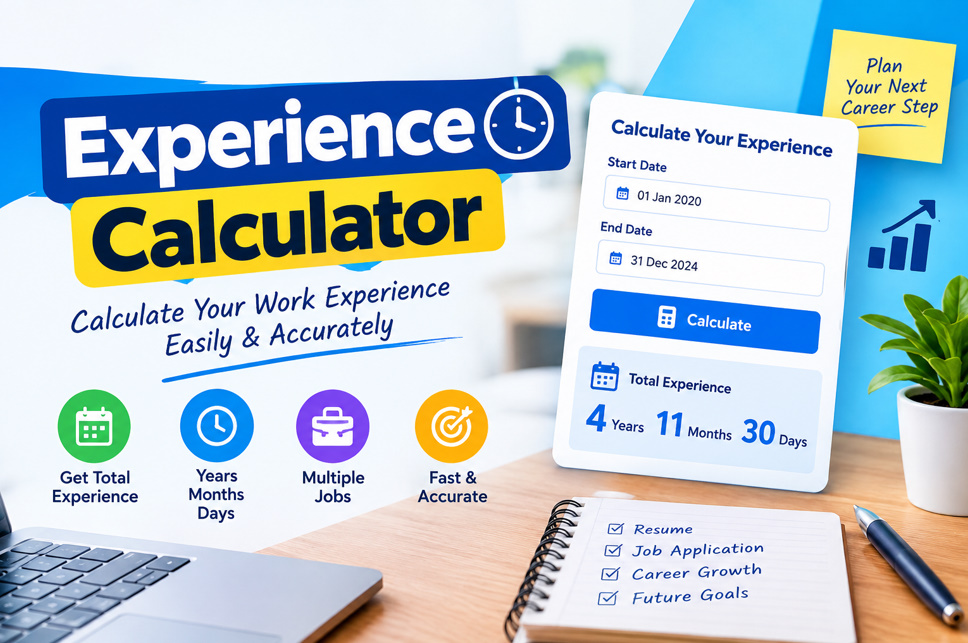
What Is an Experience Calculator? 🧮
An Experience Calculator is a date-based tool that determines the length of time between a starting date and an ending date. Instead of manually counting months and days, users enter their employment dates, and the calculator estimates the total experience period. It is especially useful for employees, job seekers, recruiters, and students.
The tool can calculate work duration in different formats, including years, months, days, or total days. Some advanced calculators also allow users to enter multiple employment periods and combine them into an overall experience total. This makes tracking career history more convenient and organized.
- Calculates employment duration
- Counts years and months
- Calculates remaining days
- Supports date-based calculations
- Reduces manual counting
- Helps track career history
- Useful for résumé preparation
- Provides quick results
How Does an Experience Calculator Work? ⚙️
An Experience Calculator generally requires two dates: a start date and an end date. The start date represents when employment, education, training, or another activity began. The end date represents when that period finished. The calculator processes these dates and determines the elapsed time between them.
For example, if someone worked from January 10, 2021, to January 10, 2025, the calculator can identify the period as four years. For dates involving different months or partial years, the tool performs the necessary calendar calculations automatically, helping users avoid common counting mistakes.
- Enter a start date
- Enter an end date
- Check the selected dates
- Click calculate
- Review the result
- Compare employment periods
- Record total experience
- Recalculate when needed
How to Use Experience Calculator 📝
Using an Experience Calculator is usually straightforward. First, enter the date when your job, internship, course, or professional activity started. Next, enter the finishing date. If you are still working in the same position, many tools allow you to use the current date as the ending point.
After entering the dates, select the calculation option if available and click the calculate button. The result may display your experience as years, months, and days. For multiple jobs, calculate each period separately and then combine them if the calculator supports cumulative experience.
- Open the calculator
- Select start date
- Select end date
- Verify date format
- Press calculate
- Review the duration
- Add other periods
- Save the final result
Benefits of Using an Experience Calculator 💡
One major benefit of an Experience Calculator is accuracy. Calculating career duration manually can become confusing when employment periods include different month lengths, leap years, or several jobs. A date calculator handles these details systematically and provides a quick estimate of the elapsed period.
The tool can also save time when preparing professional documents. Job applicants can use calculated experience when completing applications, while recruiters can quickly review employment durations. Employees can maintain an updated record of their professional timeline without repeatedly counting dates by hand.
- Saves valuable time
- Improves date accuracy
- Simplifies calculations
- Reduces counting errors
- Helps prepare résumés
- Supports job applications
- Tracks professional growth
- Simplifies record keeping
Experience Calculator for Jobs and Careers 💼
For job seekers, an Experience Calculator can be particularly useful when a vacancy requires a specific amount of professional experience. Instead of estimating your experience, you can calculate the duration of each relevant position and create a clearer career timeline. This can make résumé preparation more organized.
Professionals with several employers may have different employment periods to consider. A calculator can help determine the duration of each position before calculating cumulative experience. However, users should remember that employers may define “relevant experience” differently, so calculated time should always be compared with the job requirements.
- Calculate job duration
- Track career progression
- Review employment history
- Prepare application forms
- Organize résumé details
- Identify relevant experience
- Compare job requirements
- Maintain career records
Experience Calculator for Multiple Employment Periods 🔢
People often have career histories involving multiple jobs, internships, freelance projects, or temporary positions. An Experience Calculator can make these timelines easier to understand. Each employment period can be calculated separately, allowing users to see how long they spent in different roles.
When combining experience, overlapping employment periods should be handled carefully. If two jobs occurred during the same dates, simply adding both durations may overstate total calendar experience. A reliable calculation should consider whether the periods overlap before producing a cumulative figure.
- List every job
- Record starting dates
- Record ending dates
- Calculate each period
- Check overlapping dates
- Avoid double counting
- Add valid periods
- Review the total
Common Uses of an Experience Calculator 🌟
An Experience Calculator is not limited to traditional employment. It can be useful for calculating internship duration, volunteer service, training periods, project timelines, education periods, and other date-based activities. Its flexibility makes it a practical tool for anyone who needs to measure elapsed time accurately.
Students can use it to track internships and practical training, while professionals can use it for career documentation. Recruiters and HR teams may also use date calculations when reviewing employment histories. The exact usefulness depends on the requirements of the organization or application being completed.
- Employment tracking
- Internship duration
- Training periods
- Volunteer experience
- Project timelines
- Career documentation
- Application preparation
- HR record checking
Tips for Getting Accurate Results 🎯
For the most reliable result, always check the dates before calculating. A single incorrect day or month can change the final duration. Make sure the start date represents the actual beginning of the experience and that the end date accurately represents when the period finished.
It is also helpful to keep employment records, offer letters, contracts, or other personal career documents available when verifying dates. If you have several positions, organize them chronologically. Remember that an online calculator provides a mathematical duration; it does not determine whether an employer considers that period “relevant experience.”
- Double-check dates
- Use consistent date formats
- Avoid typing mistakes
- Check employment records
- Arrange jobs chronologically
- Watch for overlapping periods
- Verify calculated totals
- Follow employer requirements
Experience Calculator vs. Manual Calculation 📊
Manual experience calculation involves counting the years, months, and days between dates yourself. While this may work for a simple period, it becomes more difficult with multiple employment dates. Different month lengths and leap years can make manual calculations inconvenient and increase the possibility of mistakes.
An Experience Calculator automates the date arithmetic and produces results quickly. It is particularly useful when you need to calculate several career periods. Nevertheless, the calculator should be treated as a helpful date-counting tool rather than a replacement for official employment records or an employer’s interpretation of experience requirements.
- Manual counting takes longer
- Online calculation is faster
- Date tools reduce arithmetic
- Leap years can complicate counting
- Multiple jobs need extra care
- Overlaps require attention
- Official records remain important
- Calculated time should be verified